
Artificial Intelligence (AI) is changing the way people work. In 2026, many professionals, freelancers, students, and businesses in the United States are using AI tools to save time and work smarter.
AI productivity tools help automate tasks, write content, manage projects, analyze data, and improve communication. Instead of spending hours doing repetitive work, people can use AI to complete tasks faster and focus on more important work.
Many modern workplaces now rely on tools like AI writing assistants, automation platforms, and smart research assistants to increase productivity and efficiency. These tools can summarize documents, organize notes, generate ideas, and even automate workflows across different apps.
In this article, we will explore the best AI tools for productivity that are trending in the USA in 2026.
Categories of AI Productivity Tools
Before exploring the tools, it is important to understand the main categories.
1. AI Writing Tools
These tools help create blogs, emails, reports, and social media content.
2. AI Research Tools
These tools help find information quickly and summarize research.
3. AI Project Management Tools
These tools help manage tasks, organize notes, and track projects.
4. AI Automation Tools
These tools automate repetitive work like sending emails or updating data.
5. AI Design Tools
These tools help create graphics, presentations, and visual content.
1. ChatGPT – The Most Popular AI Assistant

ChatGPT is one of the most widely used AI tools in the world. Many professionals use it daily to write emails, generate ideas, create blog posts, and solve problems.
This tool works like a smart assistant that can answer questions, summarize documents, and help with research. Many companies in the USA use it to improve productivity and reduce workload.
Key Features
- Content writing and editing
- Brainstorming ideas
- Coding help
- Research assistance
- Email writing
Why It Is Trending
ChatGPT helps people complete tasks quickly and reduce the time spent on writing or research.
2. Notion AI – Smart Workspace for Teams
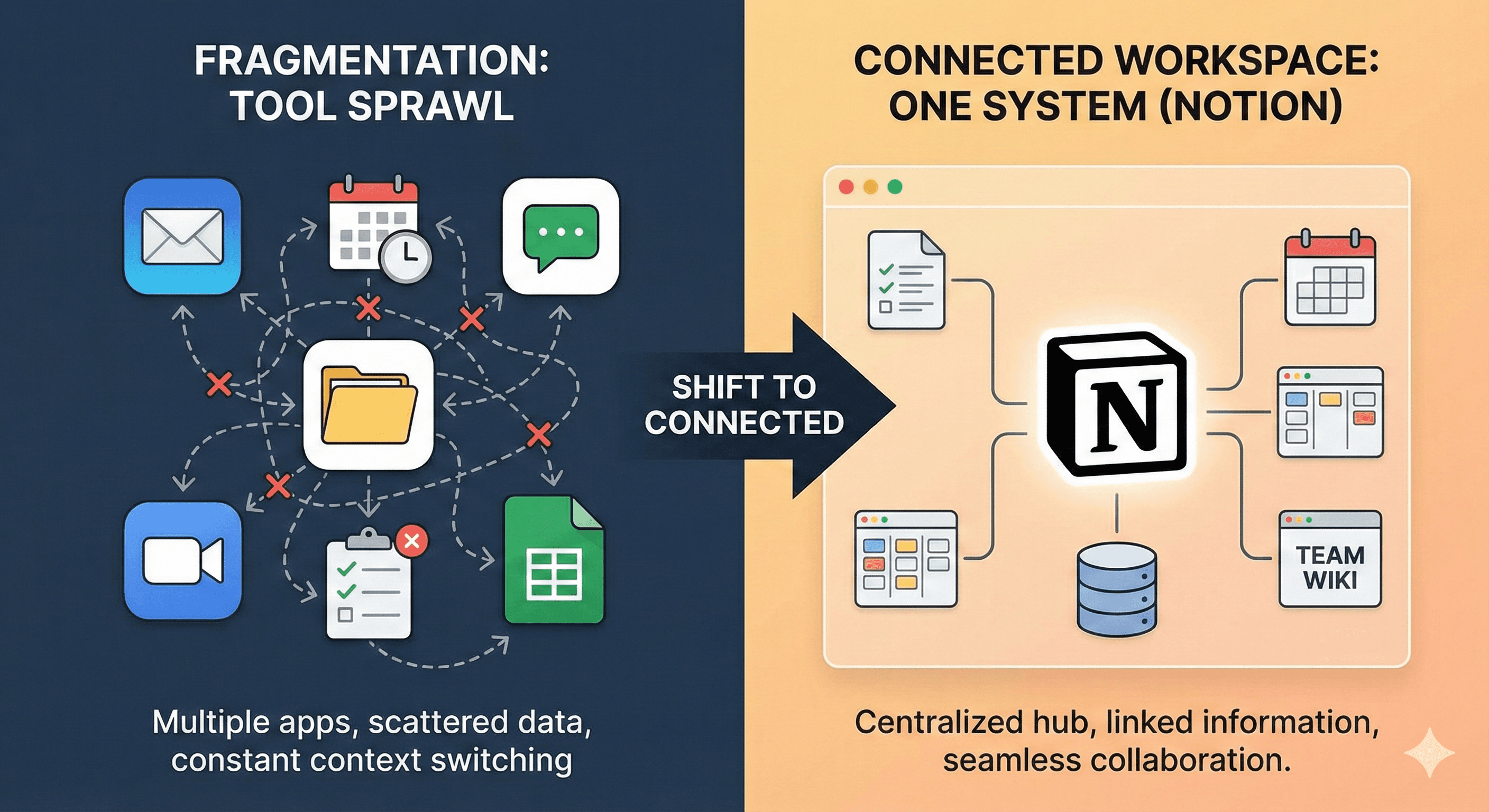
Notion AI is a powerful productivity tool used for notes, documents, and project management. It integrates artificial intelligence into the Notion workspace.
Users can create notes, summarize meeting discussions, and generate content directly inside their workspace. It also helps teams collaborate more efficiently.
Notion AI can turn messy notes into structured summaries and action plans, saving a lot of time during meetings.
Key Features
- AI writing assistant
- Meeting summaries
- Task management
- Knowledge organization
Best For
Teams, startups, and freelancers who manage many projects.
3. Grammarly – AI Writing and Editing Tool
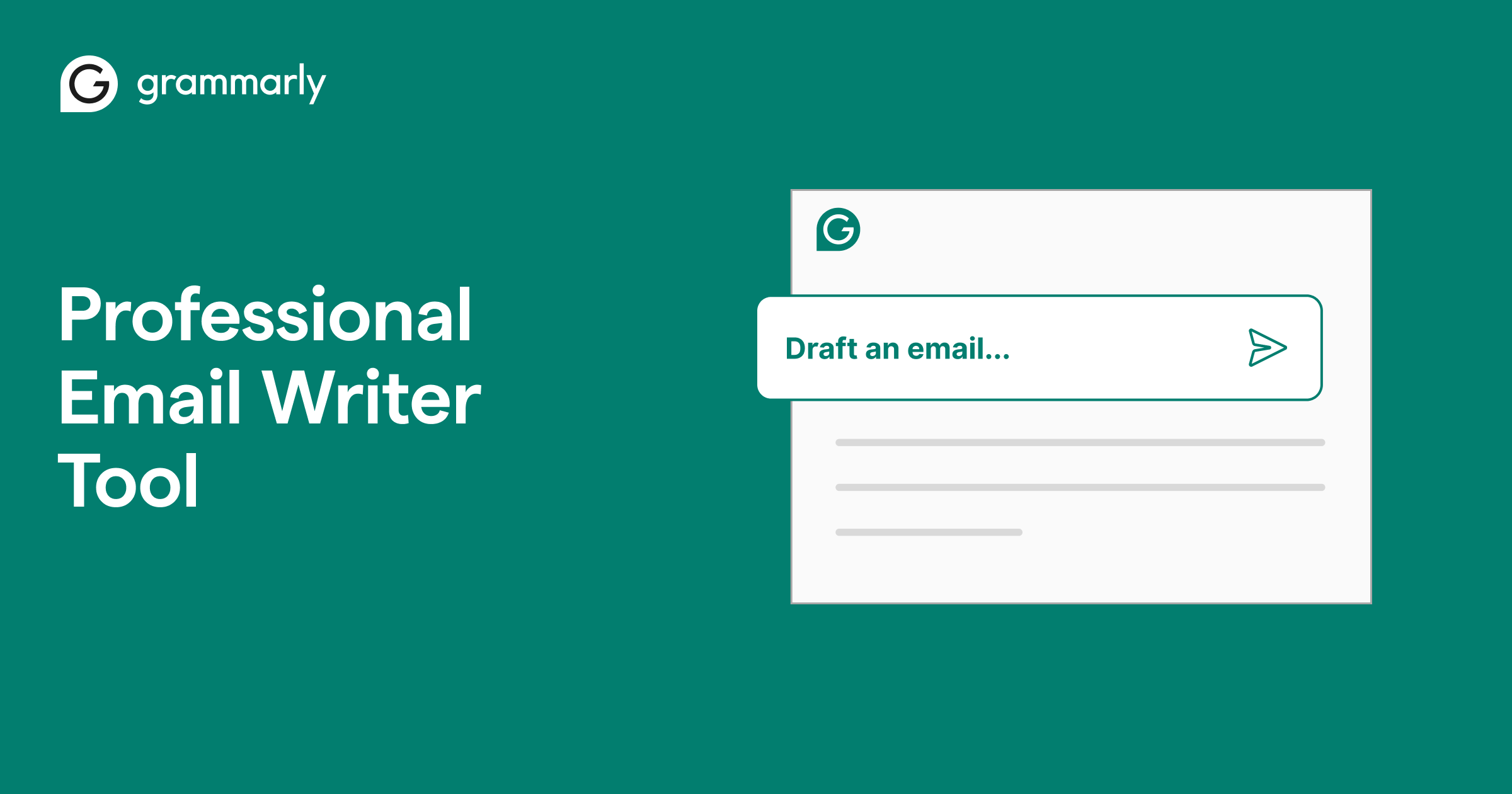
Grammarly is an AI-powered writing assistant that helps improve grammar, spelling, clarity, and tone.
It is widely used in the United States by students, professionals, bloggers, and businesses.
The tool can correct grammar mistakes and suggest better sentences, making writing more professional and clear.
Key Features
- Grammar checking
- Tone improvement
- Sentence rewriting
- Plagiarism detection
Best For
Anyone who writes emails, blogs, or reports regularly.
4. Canva AI – Easy Design Tool for Everyone
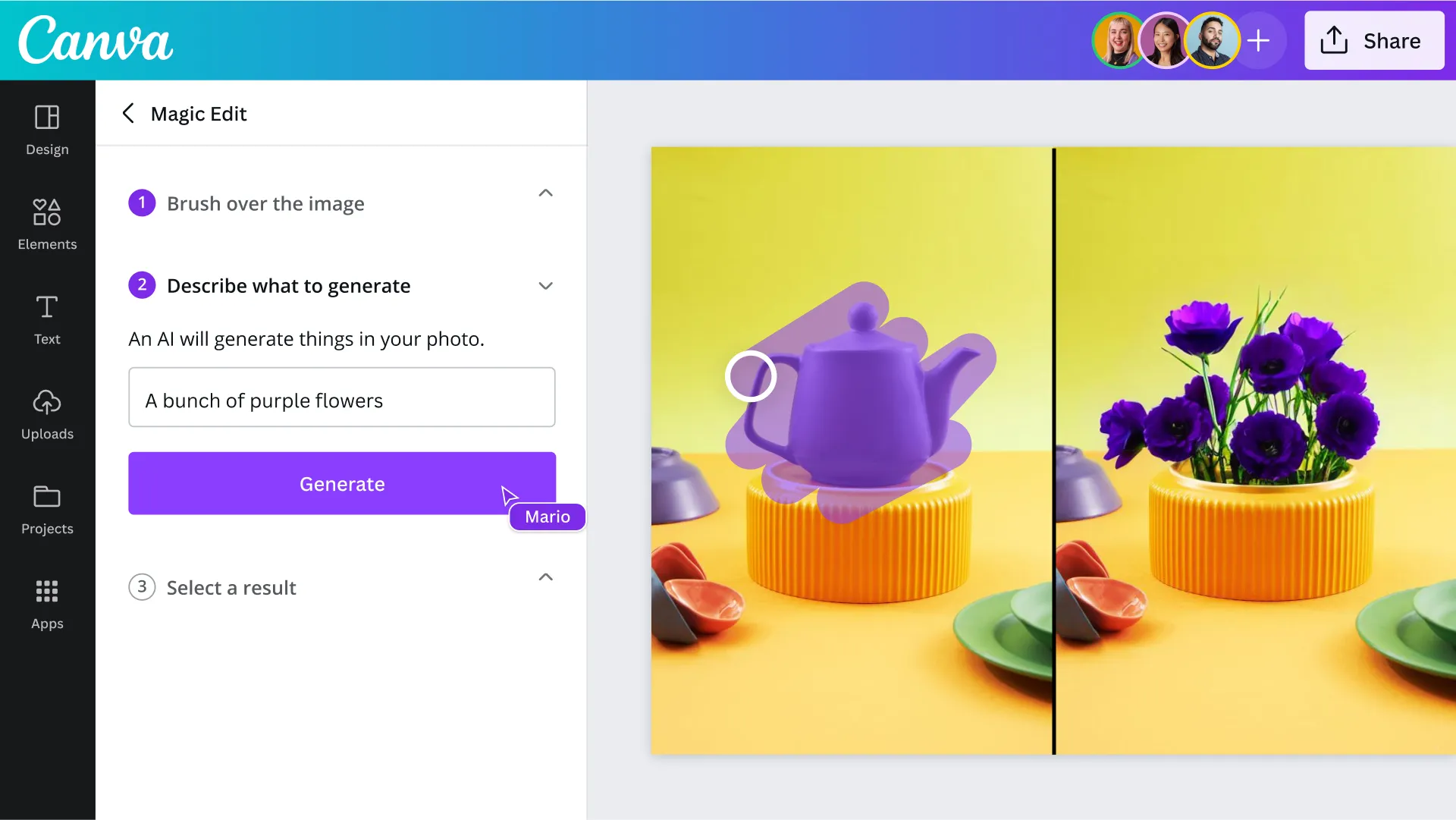
Canva AI is a design platform that uses artificial intelligence to help users create graphics, presentations, and social media content.
Even people with no design experience can easily create professional visuals using templates and AI suggestions.
Key Features
- AI image generation
- Presentation creation
- Social media design
- Marketing graphics
Best For
Content creators, marketers, and social media managers.
5. Zapier – Automation for Workflows

Zapier is one of the most powerful automation tools available today. It connects different apps and automates workflows without coding.
For example, Zapier can automatically save email attachments to Google Drive or post social media updates from a spreadsheet.
Automation tools like Zapier help businesses reduce manual work and improve productivity across multiple platforms.
Key Features
- Workflow automation
- App integrations
- Task scheduling
- Data synchronization
Best For
Businesses and professionals who use multiple apps.
6. Otter AI – Smart Meeting Assistant

Otter AI is a powerful meeting assistant that records and transcribes conversations in real time.
This tool is very useful for online meetings, interviews, lectures, and conferences.
Instead of manually writing notes, users can let Otter AI capture the conversation and create automatic summaries.
Key Features
- Real-time transcription
- Meeting summaries
- Speaker identification
- Searchable notes
Best For
Remote teams, students, and journalists.
Benefits of Using AI Productivity Tools
AI tools offer many benefits for individuals and businesses.
1. Save Time
AI automates repetitive tasks and reduces manual work.
2. Improve Efficiency
Tasks that normally take hours can be completed in minutes.
3. Increase Creativity
AI can generate ideas, outlines, and suggestions for projects.
4. Reduce Workload
Employees can focus on important tasks instead of routine work.
5. Better Decision Making
AI tools can analyze information quickly and provide insights.
Future of AI Productivity Tools
The future of AI productivity tools looks very promising.
Large technology companies are investing heavily in AI assistants that can automate tasks and integrate across different software platforms. For example, AI tools are now being integrated into workplace software like Google Workspace and Microsoft productivity platforms to generate documents, analyze data, and assist with daily tasks.
In the coming years, AI will likely become a normal part of everyday work. Businesses will rely on AI to manage workflows, automate processes, and improve collaboration.
Conclusion
AI productivity tools are transforming the modern workplace. From writing assistants to automation platforms, these tools help people work faster and smarter.
Some of the most popular tools in 2026 include:
- ChatGPT
- Notion AI
- Grammarly
- Canva AI
- Zapier
- Otter AI
By using these tools, professionals can save time, improve efficiency, and focus on more meaningful work.